Change account status
- Go to Configuration > Administration > Accounts.
- Do one of the following:
- Select one or more entries on the Accounts grid and click Bulk Actions.
- Click an account entry to open the record and click Actions.
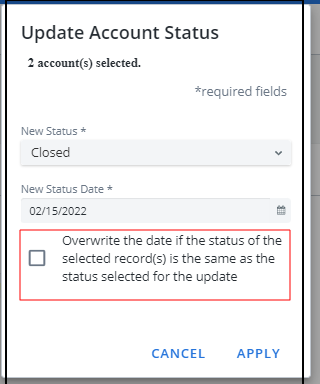
- Select Change Status. Update Account Status pop-up opens.
-
Select New Status: ……
-
Closed
-
Deactivated
-
Flagged
-
Open
-
-
Select a New Status Date.
-
If applicable, select to overwrite the status date.
- Click Apply. The status is changed.